
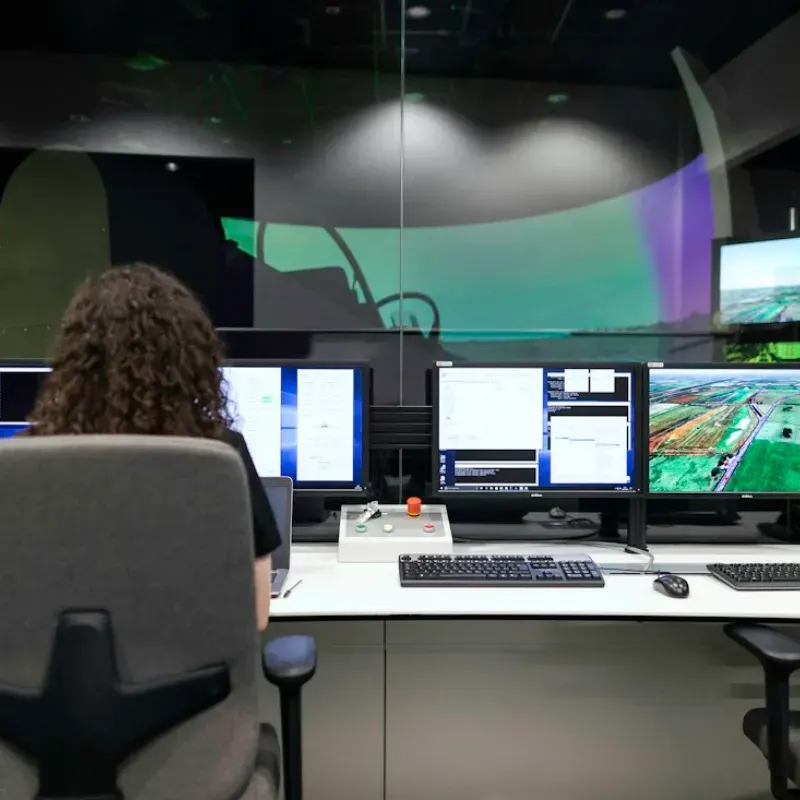
How VDS video monitoring works
VDS uses AI as a filter, not a decision-maker. Three layers stand between raw motion on a camera and a response on your property. The last one is always a person.
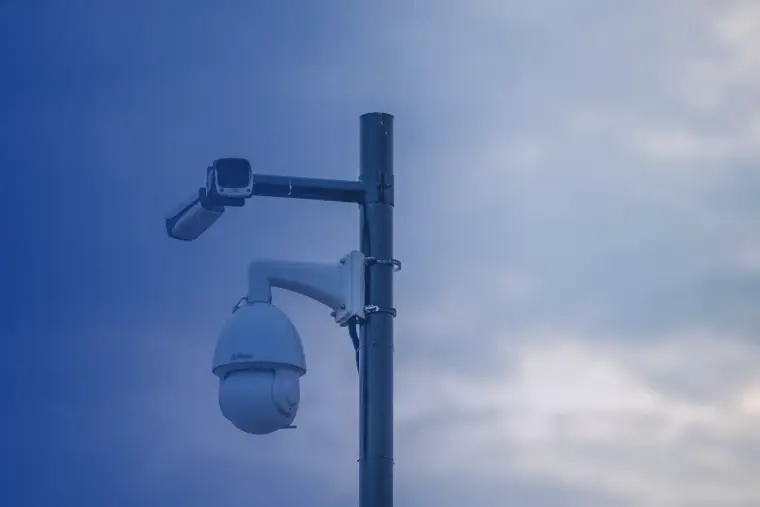
Edge intelligence at the camera
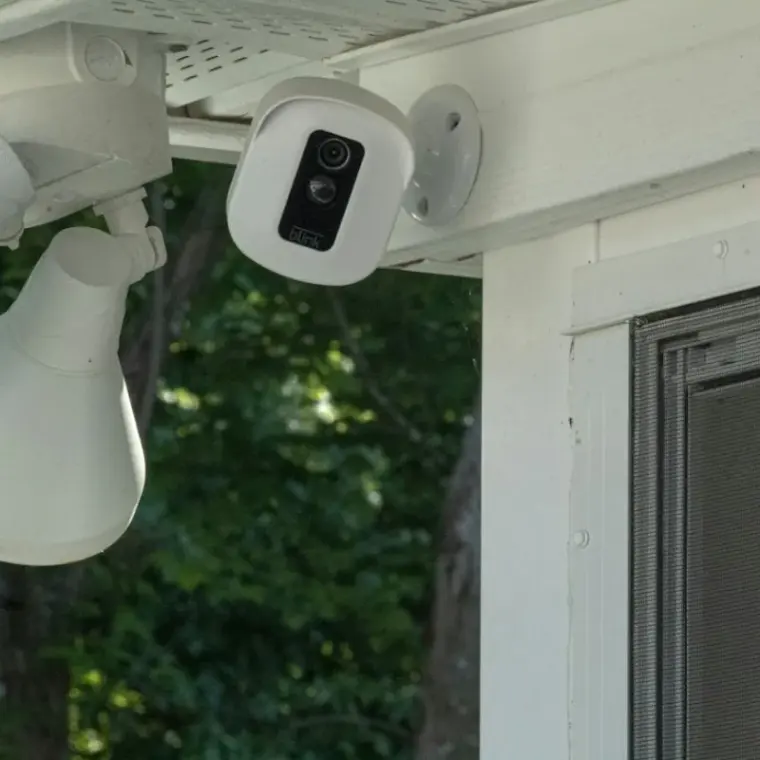
Each camera carries onboard processing with baseline thresholds for object size and loiter time. Events that do not meet the minimum never get sent forward.
On a construction site that means incidental movement, blowing materials, wildlife and vehicle pass-bys never generate an alert.
Data center filtering
Our data center removes 99.99% of nuisance alarms, including light flicker, rain, snow and wind-driven debris, without discarding a real event.
Our dedicated weather event filter identifies and removes passing headlight flicker, rain, snow and wind-driven debris automatically—maintaining a record of zero missed real security incidents since implementation.
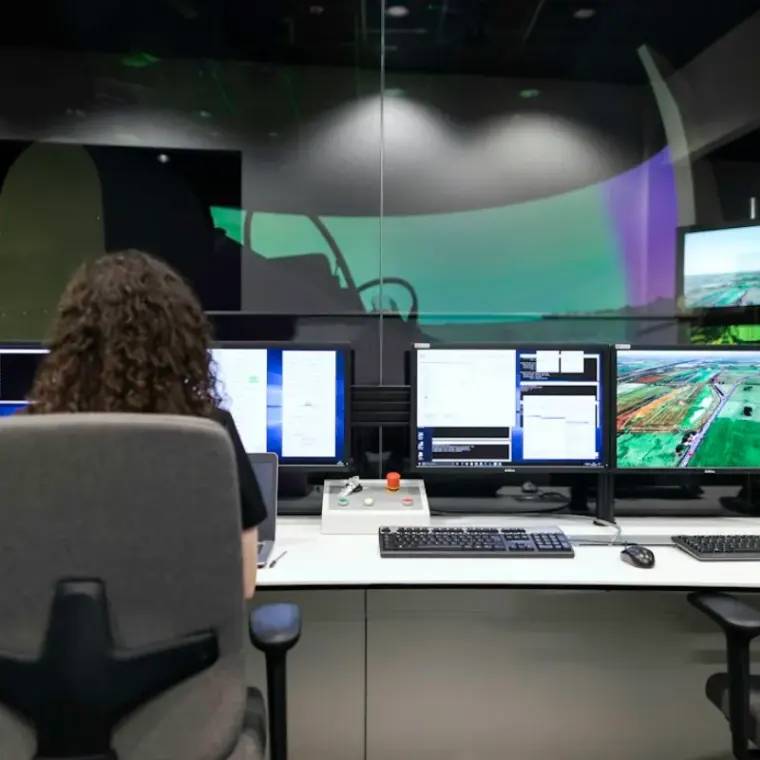
Human and AI hybrid reasoning
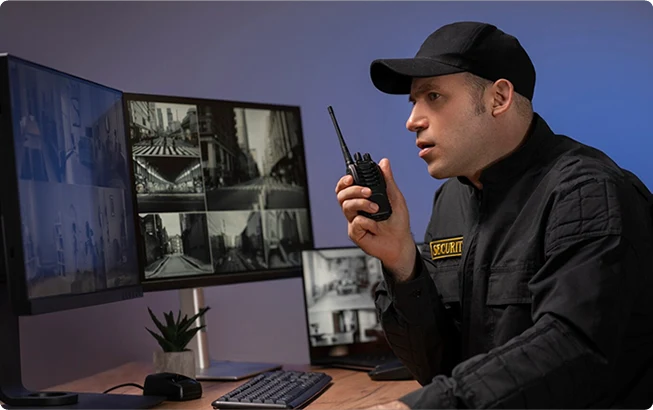
Events that are not clearly resolved reach a trained operator using AI-assisted analysis. A real person, not an algorithm, makes the final call on every threat.
The monitor weighs full context: who is on site, at what time, what they are doing and whether it fits your approved access profile. Then the monitor makes the call.
Where does each event stop?
Tap an event to see which layer handles it. Only a real threat reaches a live response.
- Layer 1At the camera
- Layer 2Data center
- Layer 3Operator review
- ResponseLive action
Pick an event above.
A simplified illustration of the three-layer process described by VDS.
What the operator can do
Live audio warning
The operator speaks through on-site speakers and tells the person they are being watched.
Call your contact
Your site supervisor, facility manager or designated contact is alerted, in the order you set.
Law enforcement
When your protocol calls for it, the operator coordinates directly with police while the event is live.
Logged and documented
Every event and every response is recorded with video and an incident report.
From first call to live monitoring
- 01
Site assessment
We review your property and existing infrastructure, confirm camera compatibility and find gaps in placement or coverage.
- 02
Your protocol
Approved personnel and vendor profiles, access windows, escalation paths and response thresholds, all defined by you.
- 03
Connect
Existing ONVIF cameras connect to our platform. Sites without cameras get rapid deployment units.
- 04
Live monitoring
Filtering starts, operators watch, and every event and response is logged.
Is a real person watching my cameras?
Yes. AI filters out the noise, and a trained operator makes the final call on every threat. We use AI as a filter, not a decision-maker.
How are false alarms handled?
Edge thresholds at the camera screen out small objects and brief motion. Our data center removes 99.99% of nuisance alarms such as light flicker and weather. What reaches an operator is worth an operator's attention.
What happens when an operator sees a real threat?
Your site protocol determines the response. Options include a verbal deterrent through on-site speakers, an alert to your designated contact and direct coordination with law enforcement.
Is there a limit on monitored events?
No. VDS places no limit on monitored events. Every event gets the same attention, whatever the volume.
Go deeper
 Explainers5 min readWhat happens at 2:14 a.m.: anatomy of a verified eventFollow one piece of motion from the camera to the operator's decision, step by step.Read
Explainers6 min readAI-only vs. human-verified video monitoringWhy the best use of AI in security is as a filter, and why a person should still make the final call.Read
 Buyer guides5 min readWhat is ONVIF, and will my cameras work with monitoring?A plain-English guide to the standard that lets cameras from different brands feed one monitoring service.Read
Ready to secure your property?
Tell us about your site and we will build a monitoring plan around it. Most existing camera systems are compatible with VDS.